Products
Software of our own.
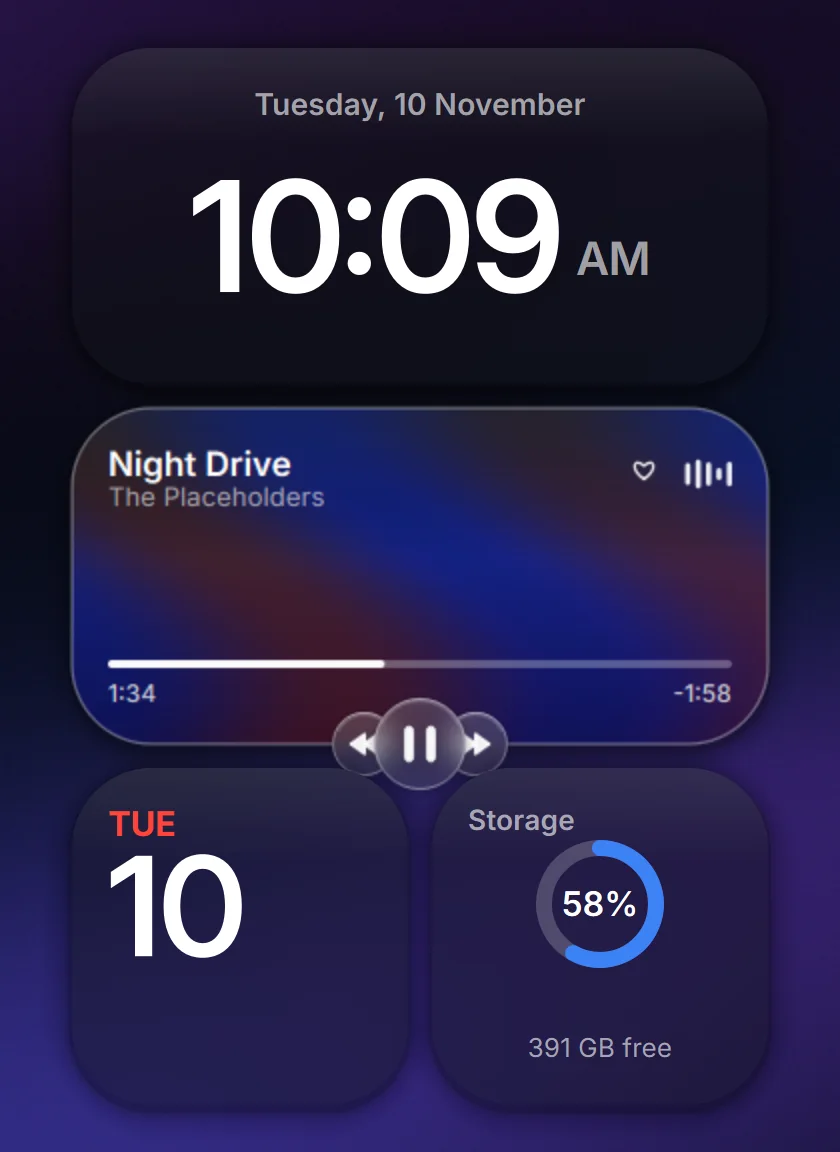
Your whole desktop
Clock, weather, stocks, music and more on a tidy grid over your wallpaper, with the Glass Dock underneath.
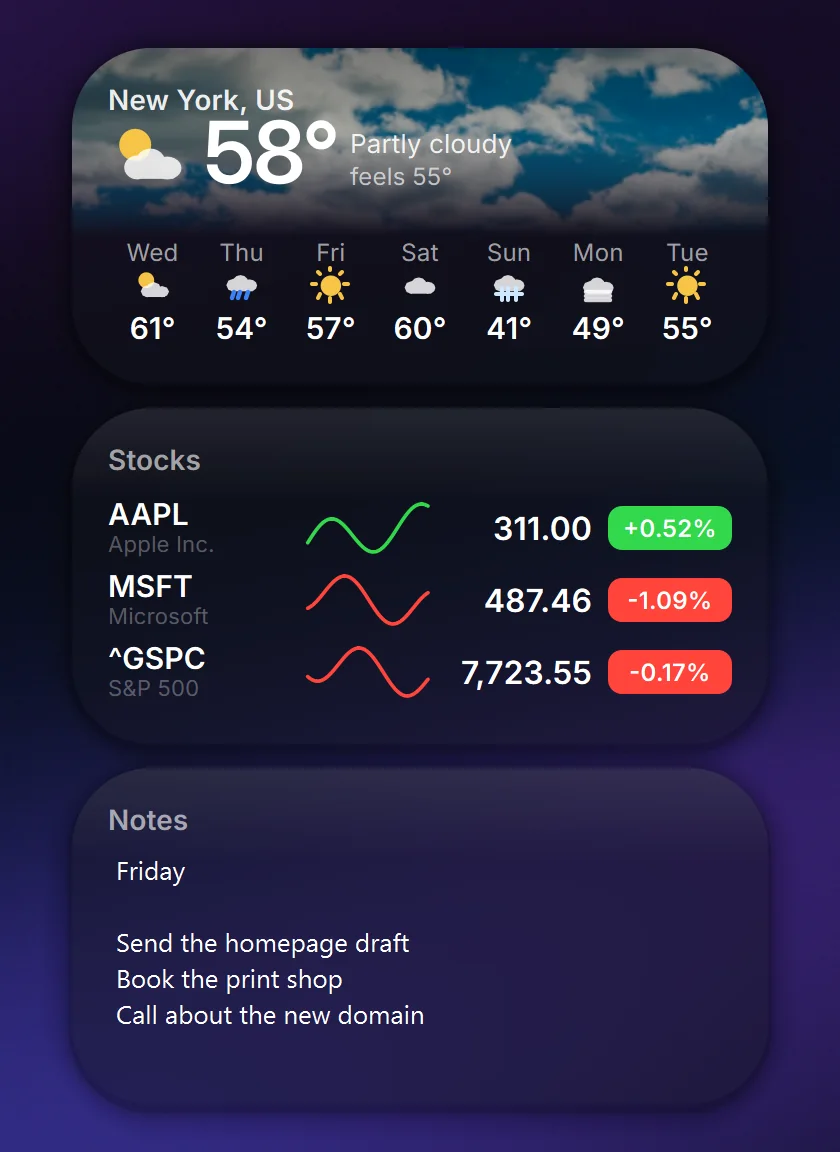
The everyday ones
Weather, your agenda, stocks, the time, notes and the calendar, each at the size you pick.
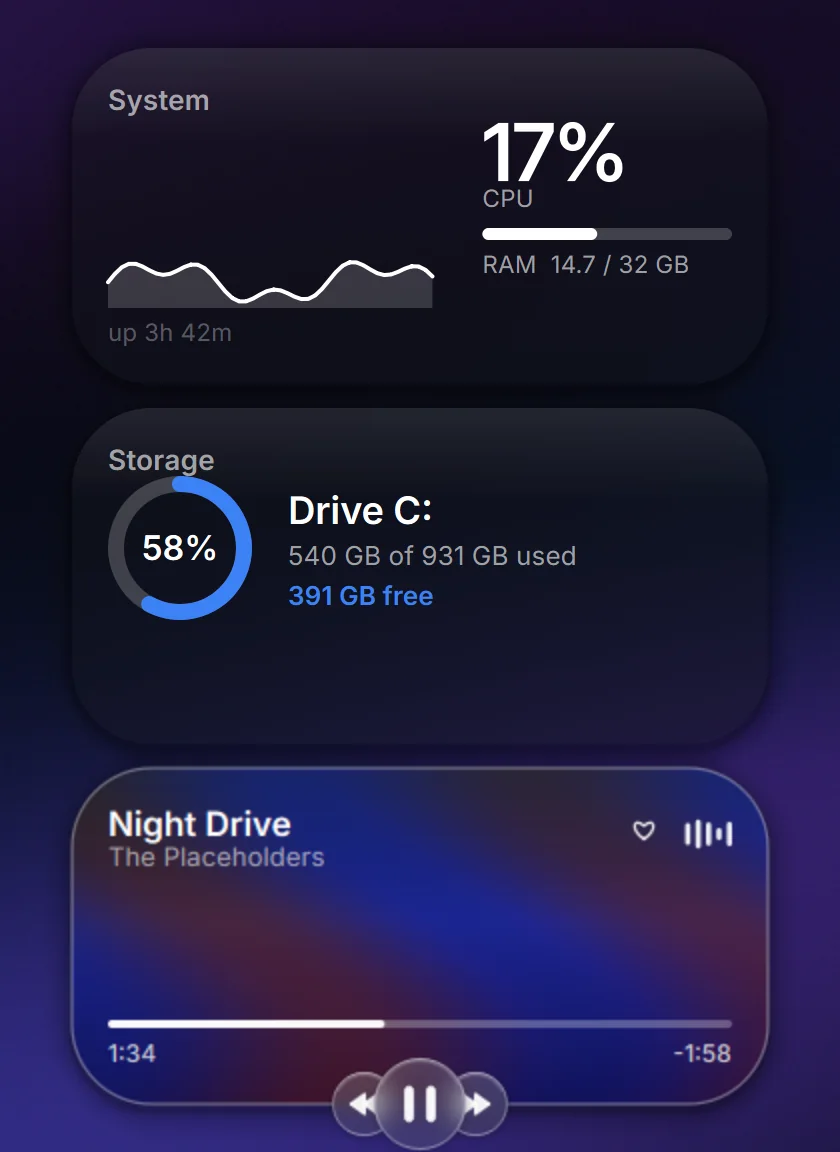
Your PC at a glance
Live CPU and memory, drive space and what's playing, with controls. Coding agents get a lit bay of their own.
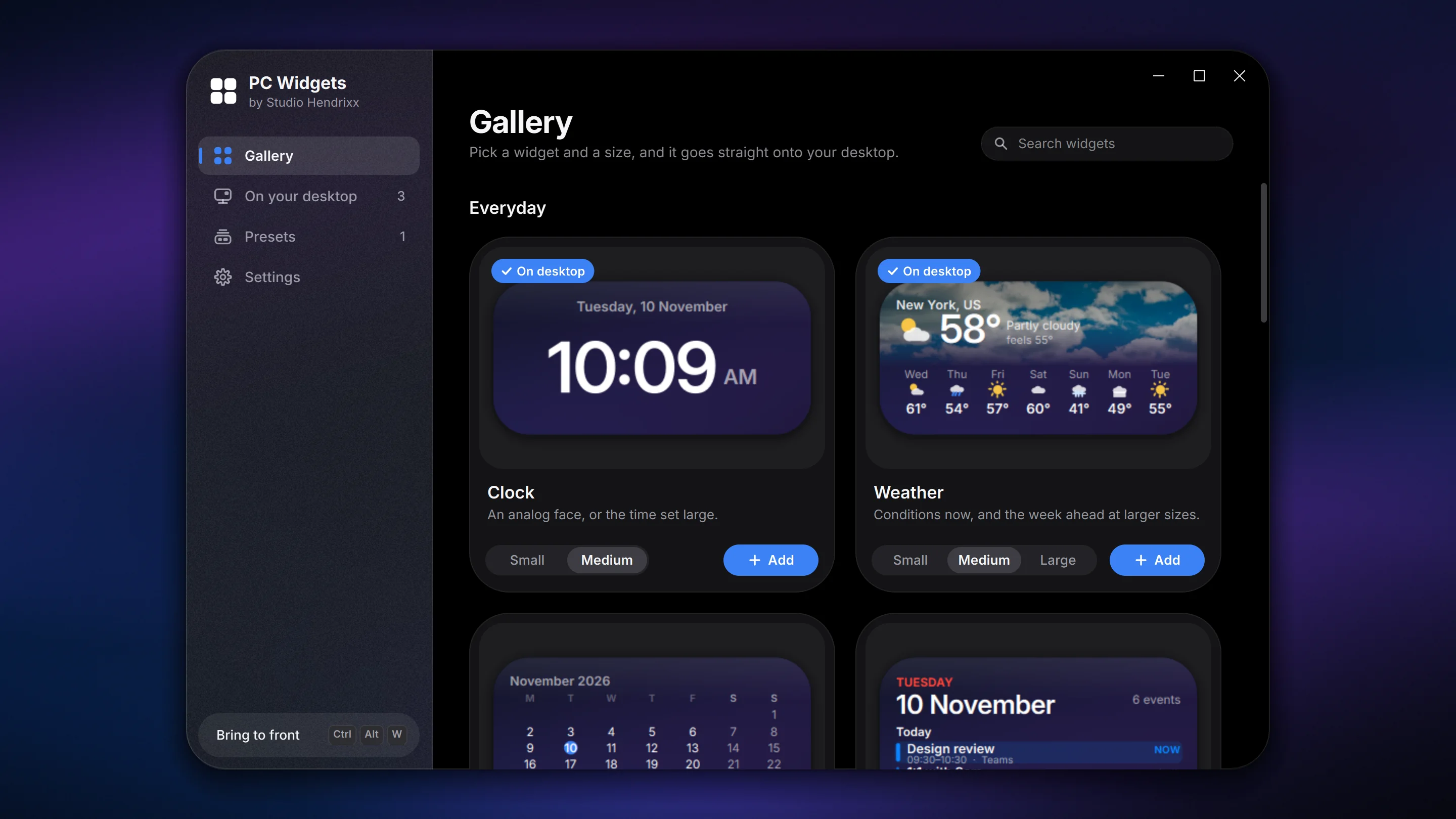
One window for everything
Every widget previewed live at its actual size. Pick a size, press Add, and it lands on your desktop.
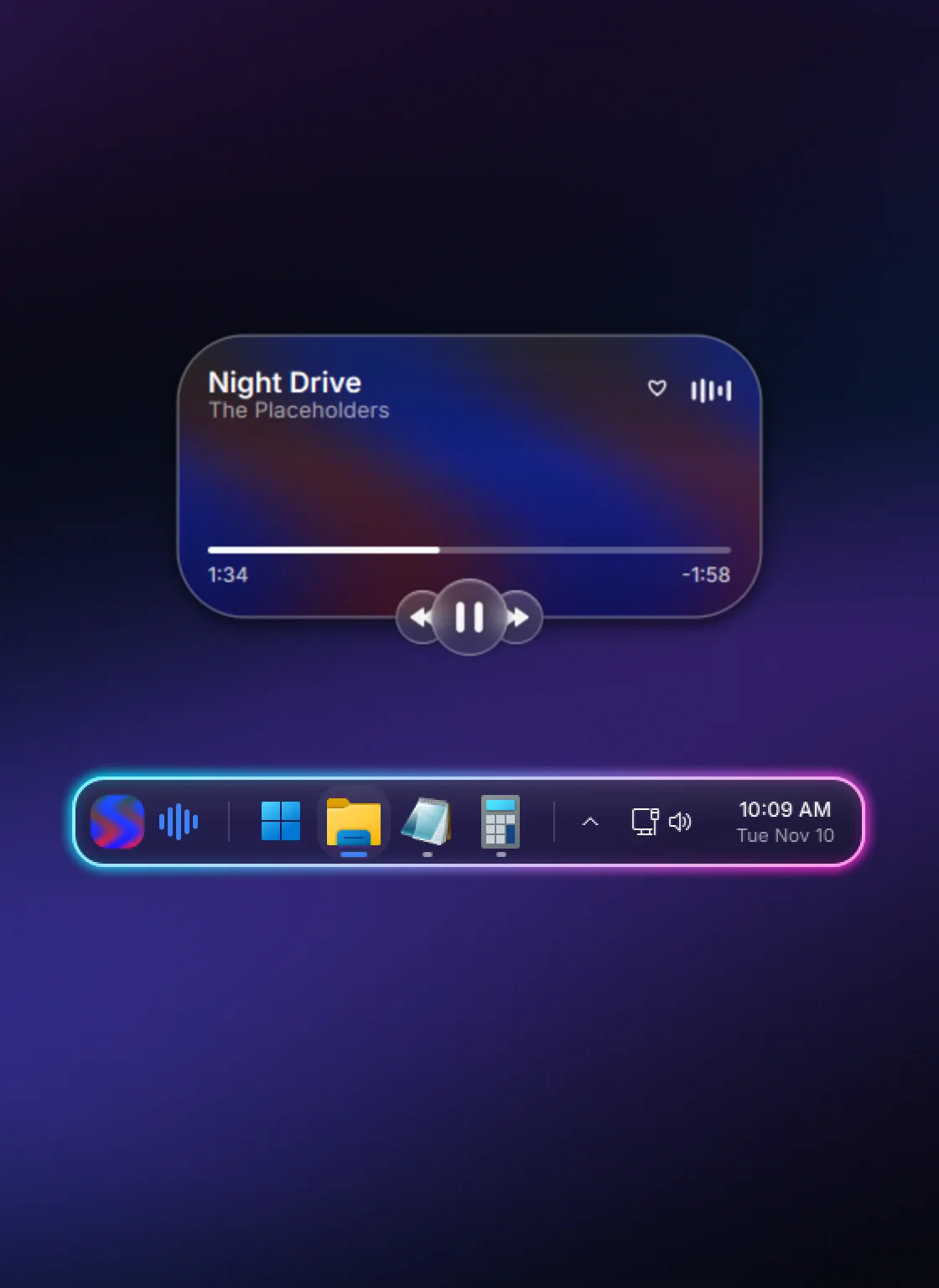
The Glass Dock
Your music, Start, your apps and Windows' own controls in one floating capsule, with an optional neon outline.
Rendered from the released app, with sample data.
PC Widgets
iPhone-style widgets for the Windows desktop.
Rounded, frosted cards that live on your desktop, snap to a grid and come to the front on a hotkey. Clock, weather, stocks, music, your calendar and more, with everything chosen and changed from one app window.
- Version
- 1.0.2, November 2026
- Download
- 30 MB installer
- Runs on
- Windows 10 and 11, 64-bit
- Install
- No admin rights or account
- Price
- Free
- License
- MIT, open source
The installer isn't code-signed yet, so Windows SmartScreen may warn you the first time. Choose More info, then Run anyway. All of the source is on GitHub if you'd like to read it first.
The widgets
Twelve widgets, one tidy grid.
Pick a size and each one snaps into place on your desktop.
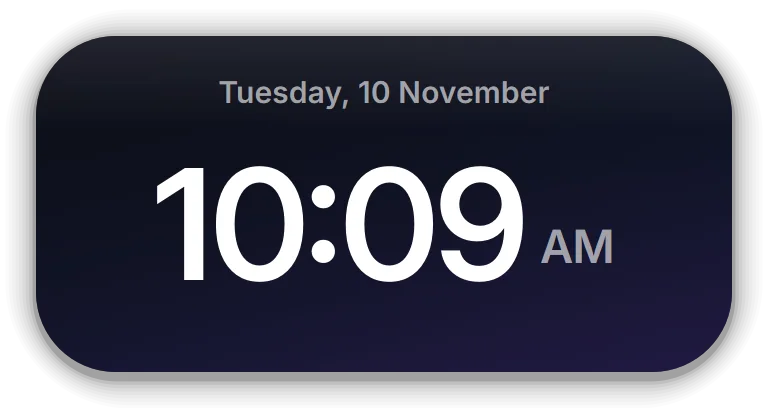
Clock
An analog face, or the time set large.
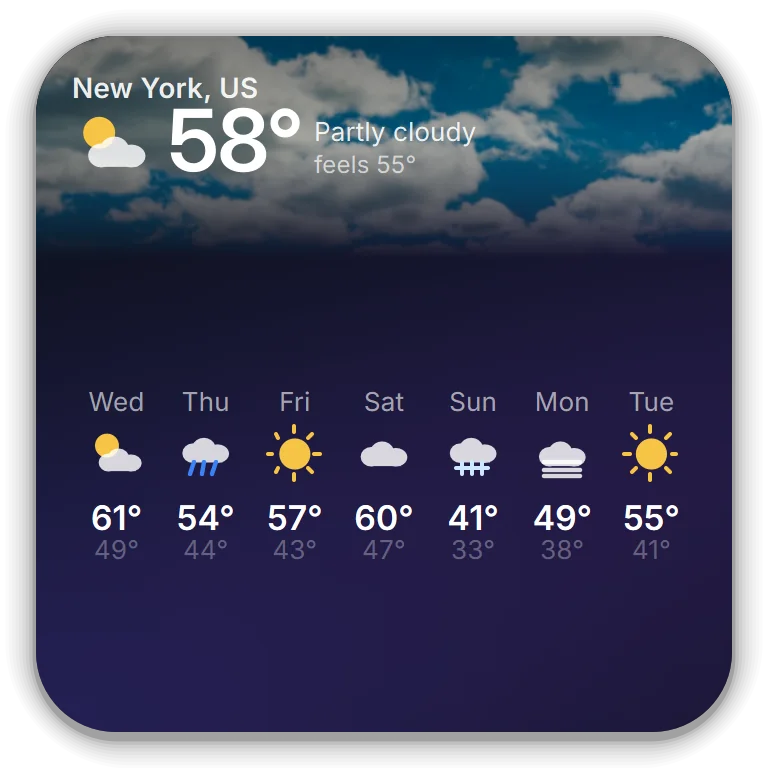
Weather
Conditions now, and the week ahead at larger sizes.
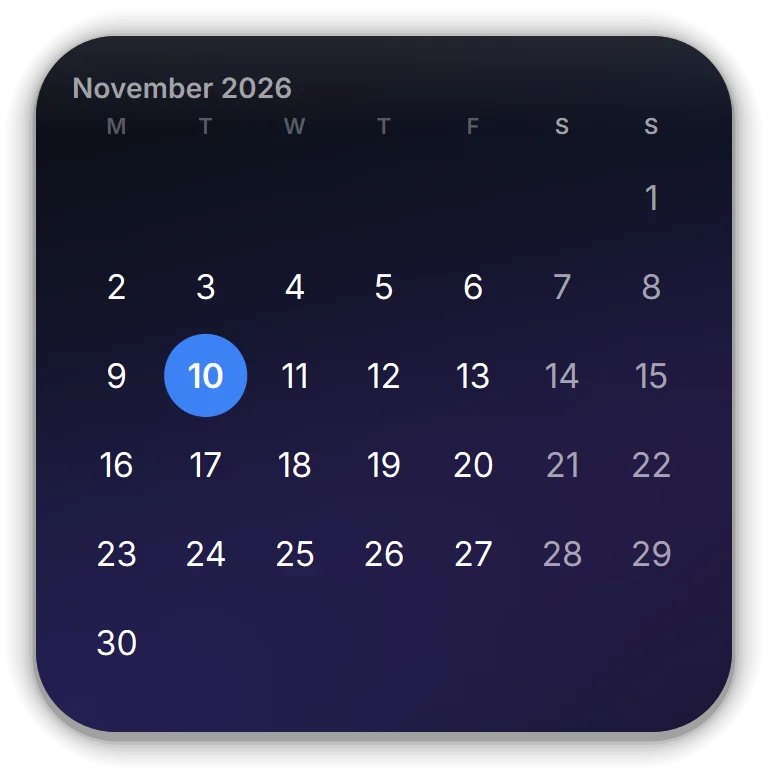
Calendar
Today's date, or the whole month at a glance.
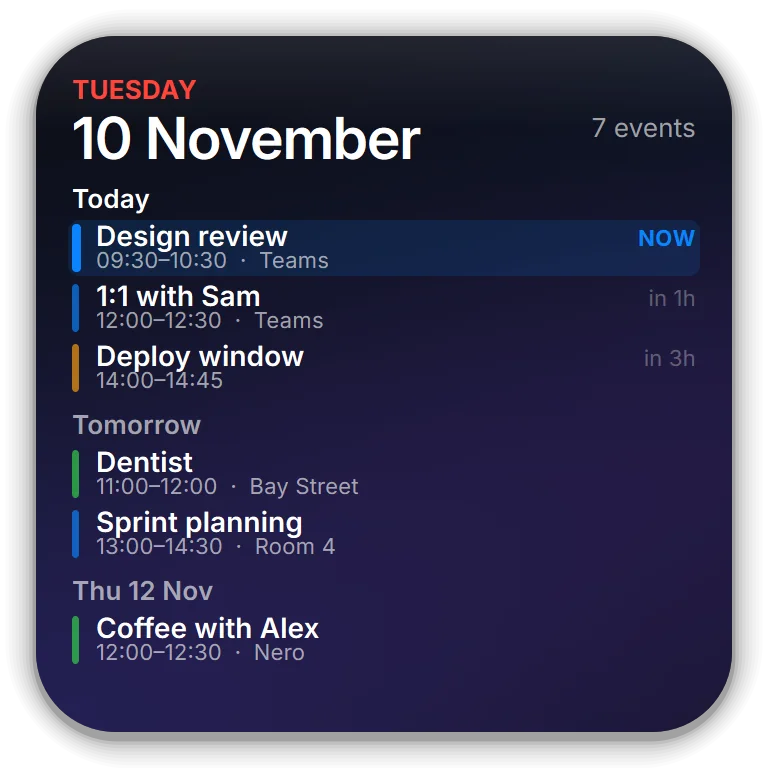
Agenda
What's coming up, from Outlook or your Windows calendar.
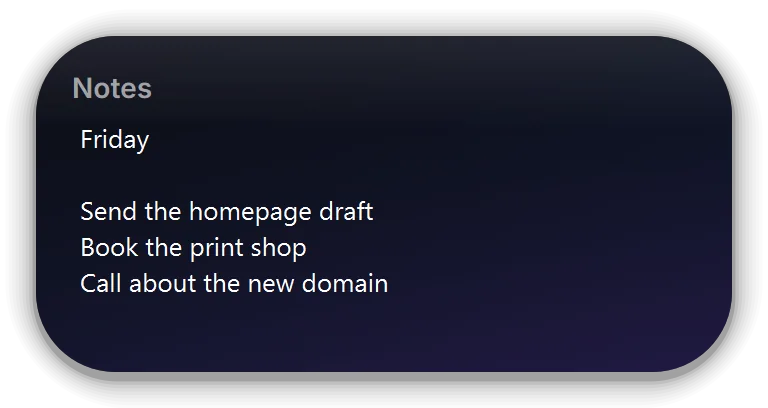
Notes
A sticky note you can type in. Saved as you go.
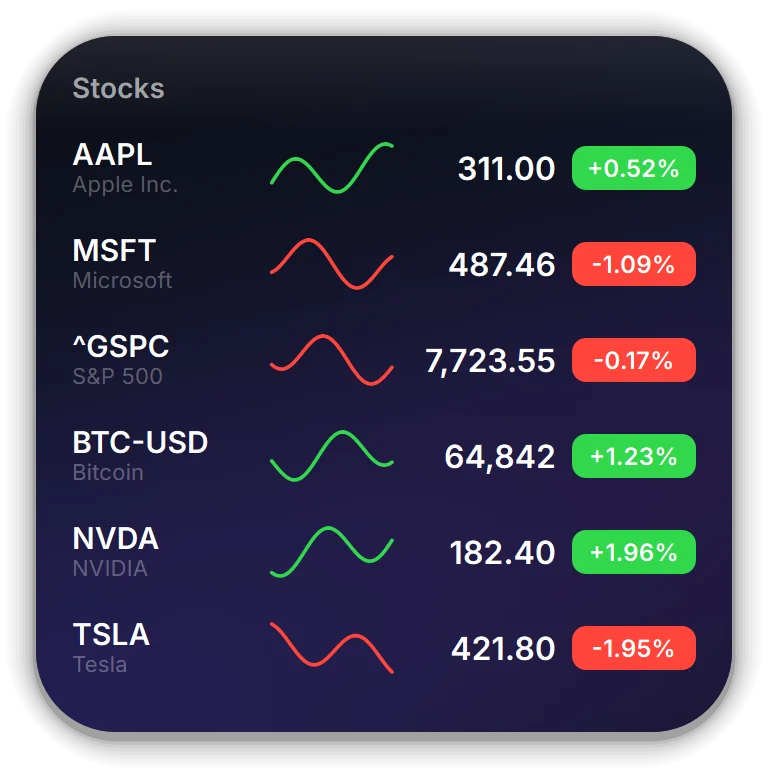
Stocks
A watchlist with sparklines: shares, indices or crypto.
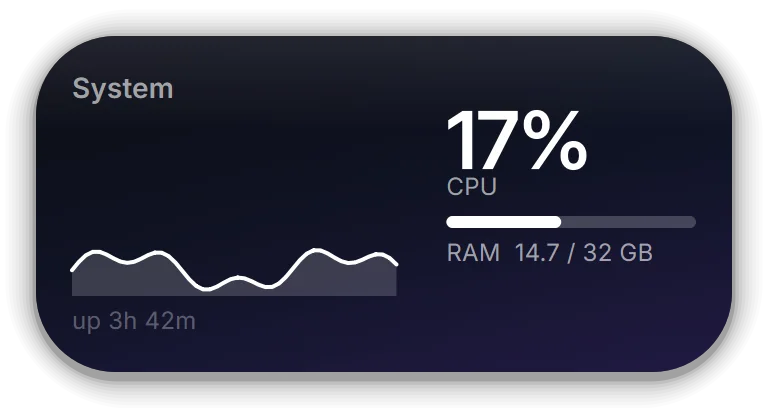
System
Live CPU and memory, with uptime.
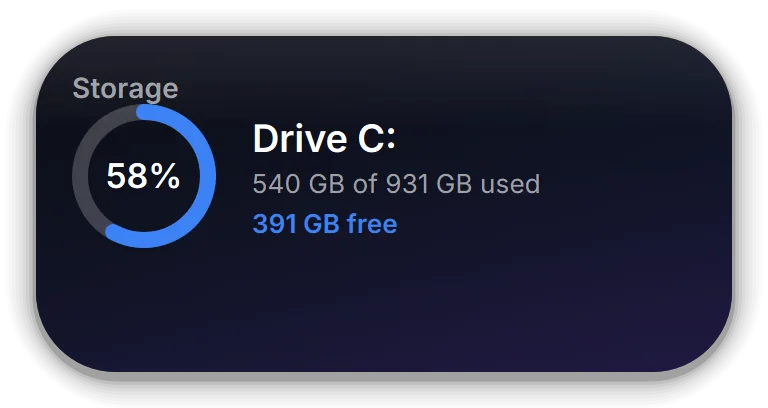
Storage
How full your drive is, at a glance.
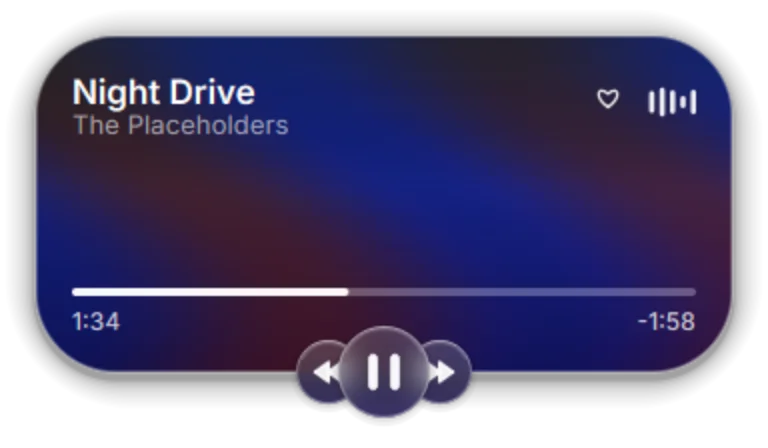
Now Playing
Spotify or Apple Music, with artwork and controls.
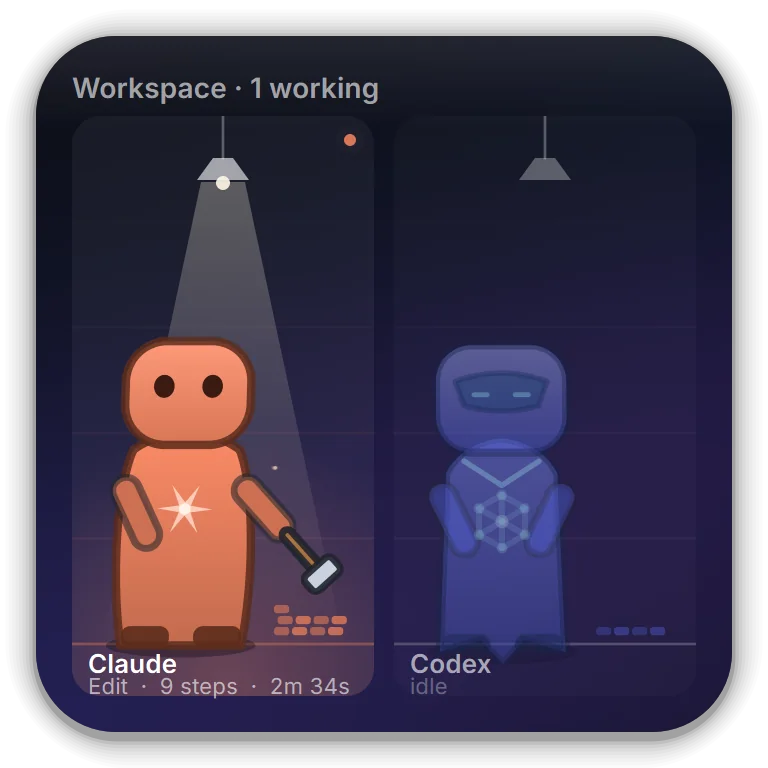
Workspace
A lit bay for each coding agent while it works.
Also in the app
Files
Quick Access and recent files, browsable right in the card.
Comms
What your coding agents are saying to each other.
Inside the app
Made to live on your desktop.
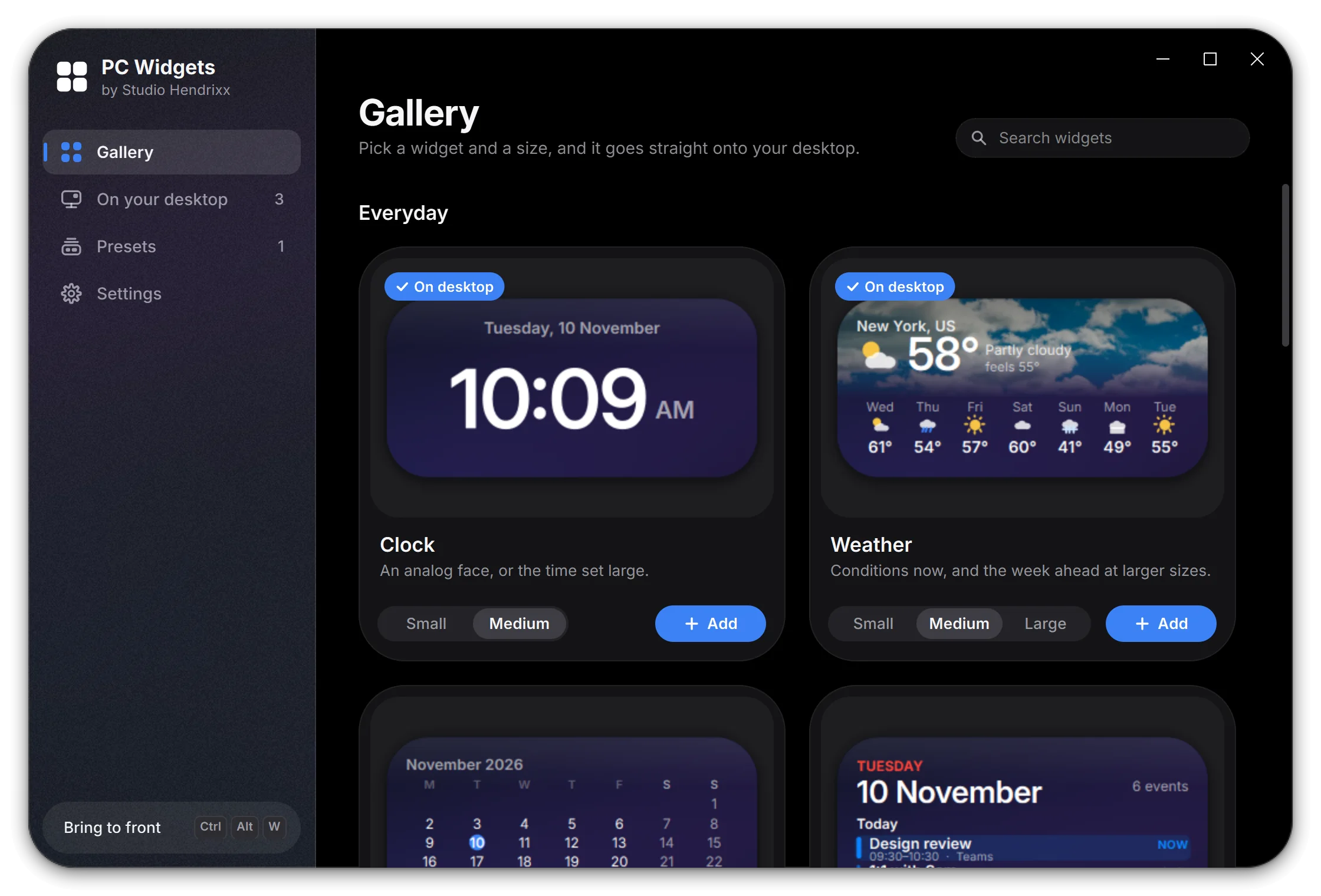
One window for everything.
Every widget is previewed live at its actual size. Pick a size, press Add, and it lands on your desktop. Colors, photos, glass and placement are all changed from here too.

A dock, if you want one.
Turn on the Glass Dock for your music, Start, your apps and Windows' own controls in one floating capsule, with window previews on hover and an optional neon outline.
Frosted from your wallpaper.
Each card blurs the slice of your own wallpaper behind it, monitor by monitor. Prefer solid colors or your own photos? Those work too.
Every monitor, every layout.
Widgets stay anchored to the display you put them on. Save a whole arrangement as a preset and switch back to it whenever you like.
One hotkey away.
Ctrl+Alt+W brings the whole board over your windows and sends it back down again.
Contact
Need software built for you?
We make it for clients too. Tell us what you have in mind.